- Restart Your Device
- Check Your Internet Connection
- Clear Cache and Data
- Update TikTok to the Latest Version
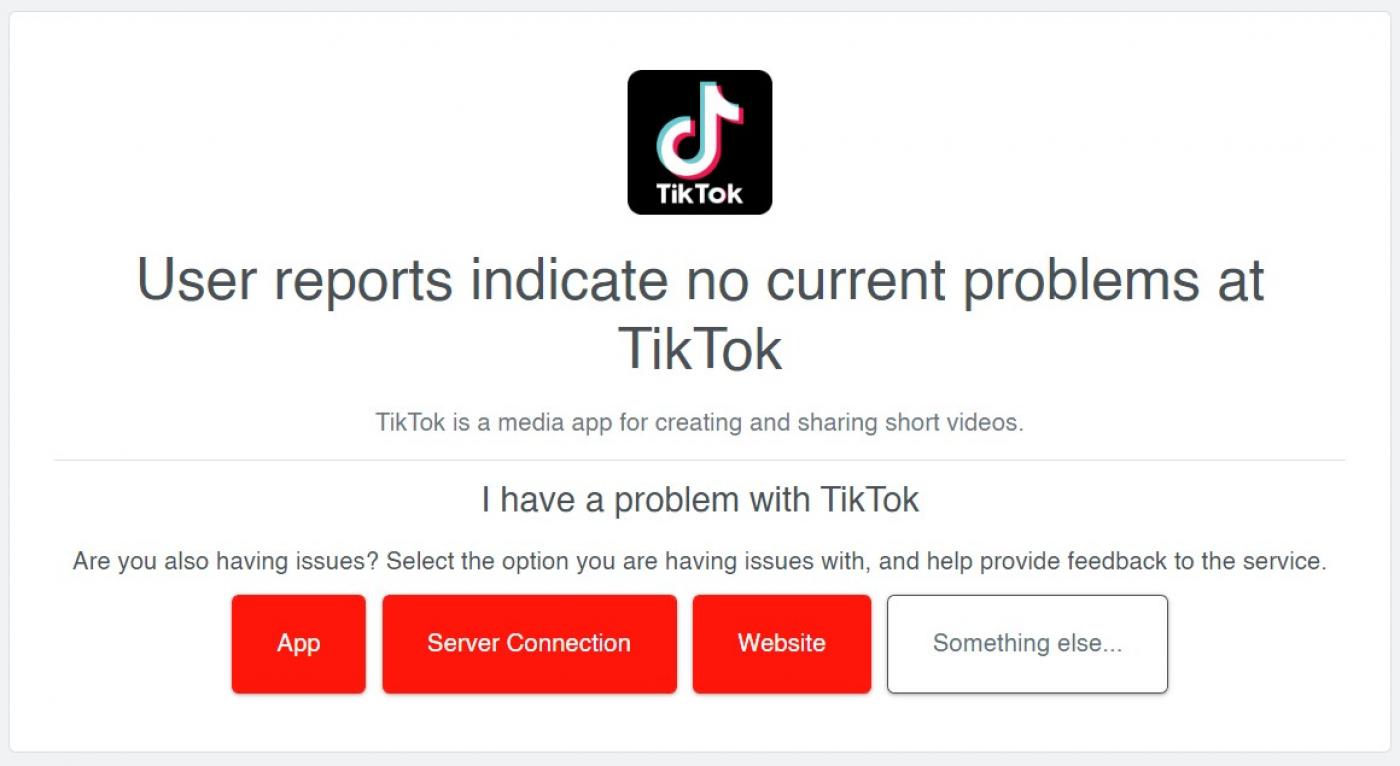
- Check for Server Issues
- Check for App Conflicts
- Factory Reset Your Device
- iOS Devices
- Resetting the Network Settings
- Updating iOS to the Latest Version
- Android Devices
- Checking for Software Updates
- Clearing Cache and Data for TikTok
- Conclusion
TIKTOK NOT WORKING: YOUR ULTIMATE TROUBLESHOOTING GUIDE
Are you frustrated with TikTok not working on your device? Are you seeing error messages, loading screens, or nothing at all? You're not alone. Many users experience issues with TikTok, and it can be frustrating, especially when you're looking forward to creating and sharing content. In this article, we'll provide you with a comprehensive troubleshooting guide to help you resolve the issue and get back to creating and enjoying TikTok.
TikTok has become a social media powerhouse, with over a billion active users worldwide. Its unique algorithm and short-form video format have made it a favorite among users of all ages. However, like any popular app, it's not immune to technical issues. Whether you're experiencing crashes, loading errors, or simply can't access the app, this guide will walk you through the steps to troubleshoot and resolve the problem.
Before we dive into the troubleshooting guide, let's take a look at some common reasons why TikTok might not be working for you.
Common Issues with TikTok
• App Crashes or Freezing: If TikTok is crashing or freezing, it's likely due to a software issue or a problem with your device's hardware.
• Loading Errors: Loading errors can be caused by a slow internet connection, a corrupted app cache, or a problem with the server.
• Not Working on Certain Devices: TikTok may not be compatible with certain devices or operating systems, or it may be experiencing technical issues on your device.
• Download or Installation Issues: If you're having trouble downloading or installing TikTok, it could be due to a problem with your internet connection, a corrupted file, or a conflict with other apps.
Step 1: Basic Troubleshooting
Before we dive into more advanced troubleshooting steps, let's start with some basic steps to resolve common issues.
Restart Your Device
Restarting your device can often resolve simple issues like app crashes or loading errors. To restart your device:
- Press and hold the power button until your device shuts down.
- Wait for 30 seconds to allow the device to fully shut down.
- Press and hold the power button again to turn on your device.
Check Your Internet Connection
A slow or unstable internet connection can cause loading errors or crashes. To check your internet connection:
- Open your device's internet settings.
- Check your internet speed and make sure it's within the recommended range for TikTok.
- Restart your router to ensure a fresh connection.
Clear Cache and Data
Clearing your app cache and data can resolve issues like loading errors or crashes. To clear cache and data on TikTok:
- Open the Settings app on your device.
- Select "Storage" or "Apps" to find TikTok.
- Tap "Clear Cache" and "Clear Data" to resolve any issues.
Step 2: Advanced Troubleshooting
If basic troubleshooting steps don't resolve the issue, it's time to move on to more advanced steps.
Update TikTok to the Latest Version
Ensure you're running the latest version of TikTok by updating the app:
- Open the Google Play Store (on Android) or App Store (on iOS).
- Search for "TikTok" and select the app.
- Tap "Update" to download the latest version.
Check for Server Issues
Server issues can cause loading errors or crashes. To check for server issues:
- Open the TikTok app and try to log in.
- If you're unable to log in, try using a different network or server.
- Check TikTok's official Twitter account or Facebook page for any server maintenance or outages.
Check for App Conflicts
App conflicts can cause issues with TikTok. To check for app conflicts:
- Open the Settings app on your device.
- Select "Apps" or "Manage Apps" to find TikTok.
- Tap "Force Stop" to restart the app and resolve any conflicts.
Factory Reset Your Device
If all else fails, a factory reset can resolve issues like app crashes or loading errors. To factory reset your device:
- Open the Settings app on your device.
- Select "System" or "Backup & Reset" to find the factory reset option.
- Follow the prompts to complete the factory reset process.
Step 3: Device-Specific Troubleshooting
If you're experiencing issues with TikTok on a specific device, try the following device-specific troubleshooting steps.
iOS Devices
If you're experiencing issues with TikTok on an iOS device, try the following:
Resetting the Network Settings
- Go to the Settings app.
- Select "General" and then "Reset".
- Tap "Reset Network Settings" to resolve any network issues.
Updating iOS to the Latest Version
- Go to the Settings app.
- Select "General" and then "Software Update".
- Tap "Download and Install" to update iOS to the latest version.
Android Devices
If you're experiencing issues with TikTok on an Android device, try the following:
Checking for Software Updates
- Go to the Settings app.
- Select "About phone" or "About device".
- Check for software updates and install the latest version.
Clearing Cache and Data for TikTok
- Go to the Settings app.
- Select "Storage" or "Apps".
- Find TikTok and tap "Clear Cache" and "Clear Data".
Conclusion
Resolving issues with TikTok can be frustrating, but with the right troubleshooting steps, you can get back to creating and enjoying your favorite app. Remember to always keep your device and app up to date, and try the advanced troubleshooting steps if basic steps don
Recent Post
Unlocking The Secrets Of Menopause: Expert Insights On Navigating Life After 40 With Paolo Tantoco
Tensions Rise As Trump Officials Defend Tariffs Amid Market Volatility And Warnings For Savers And Retirees
Rosie O'Donnell Teases Trump Move, Posts Disruptive Selfie From Abroad
Wings For The Win: Capitals Edge Ducks 7-4 In Thrilling Matchup
Ducks Fall Short: Key Takeaways From Thrilling 7-4 Loss To Capitals
Article Recommendations
- Unveiling The True Identity Behind Sahara Rose: Her Real Name Revealed
- Unleash Your SEO Dominance: Track Competitors Like A Hawk With Seopetitor's Rank Tracker
- Oksana Glamour: A Peek Into The World Of High-Fashion Glamour